
Read-only source
The app never creates, rewrites, renames, moves or deletes anything in your photo folders. The source directory is treated as read-only.
Live Gallery builds a local index of the library you already have on Windows 11. It is completely read-only toward your source directories: it does not create, modify, rename, move or delete the originals.
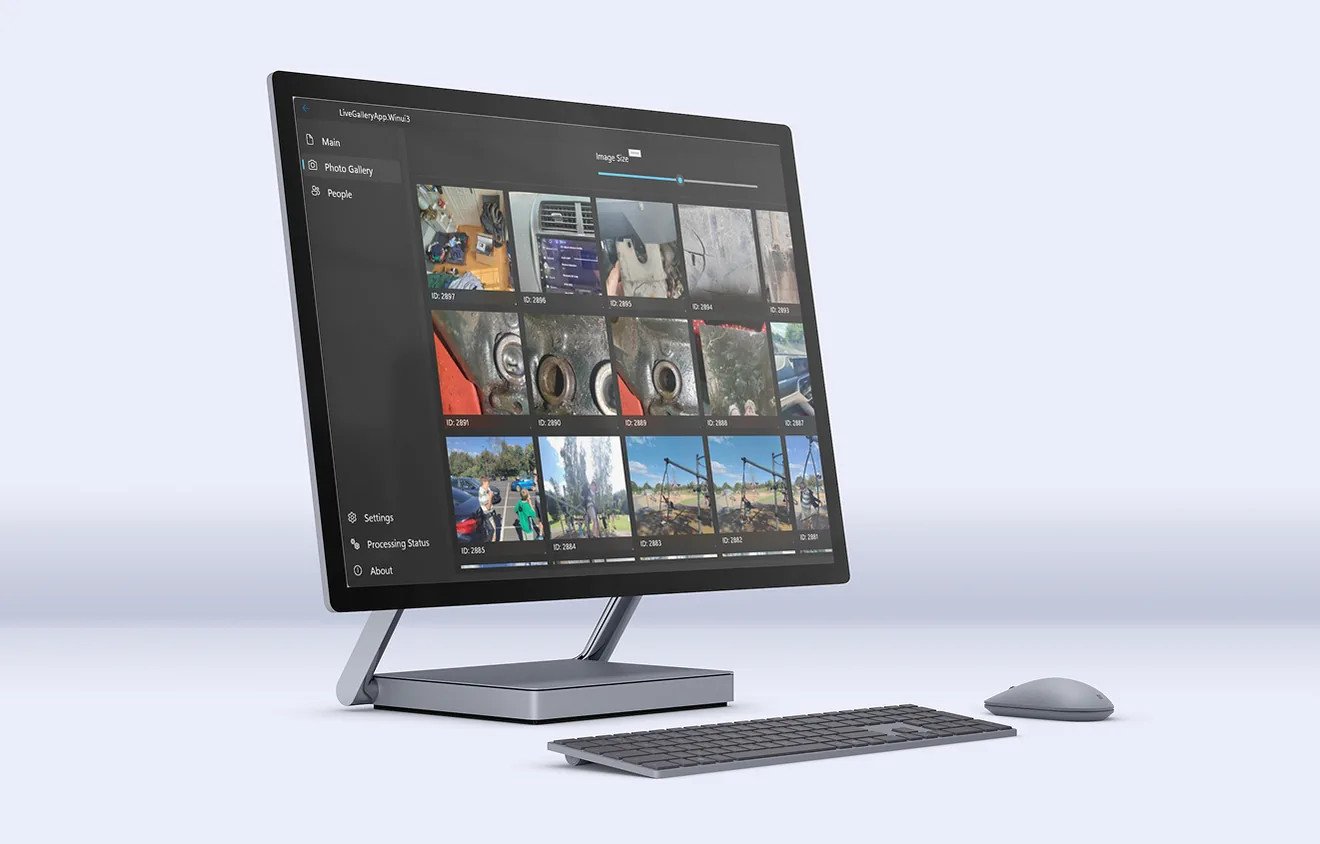
The library you already have
There is no “import everything into our library” step. You choose the folders, Live Gallery scans them in place, and the original files remain exactly where your backup already looks for them. The app writes only its own index and thumbnail cache under app data.
The app never creates, rewrites, renames, moves or deletes anything in your photo folders. The source directory is treated as read-only.
The app stores an index and thumbnails, not a duplicate of your photo archive. A terabyte of photos does not become two terabytes.
The library is read and indexed on your PC. The photo app contains no network code; the separate installer handles updates.
Point Live Gallery at the folders and drives that already hold the library, including external drives.
The worker reads filenames and metadata, builds thumbnails and writes a local SQLite index under app data. The source folders are not touched.
Open the gallery, people, tags, locations or timeline. Explorer still sees the same files underneath.
The honest part
Good questions
No. It never creates, modifies, renames, moves or deletes files in your photo folders. The source is read-only; the index and cache live under app data.
No. It indexes the folders you choose and stores thumbnails and a database index. The original image files stay where they are.
No. It reads them. New tags, ratings and descriptions are stored in the app database; the app does not write XMP or IPTC back into the file.
Yes. The library can index local or attached drives. If a drive is offline, its files are unavailable until it reconnects.
Keep exploring
See it on your own library
Download the free beta, point it at a folder and try this on your own photos. No account, no upload, no card.
Windows 11 · Free 5,000-photo beta · No account needed