
Local detection
Face detection runs on your hardware. It does not need an internet connection and does not call a cloud vision service.
Live Gallery detects faces and groups the people in your library on your PC. There is no cloud face database, no upload and no account.
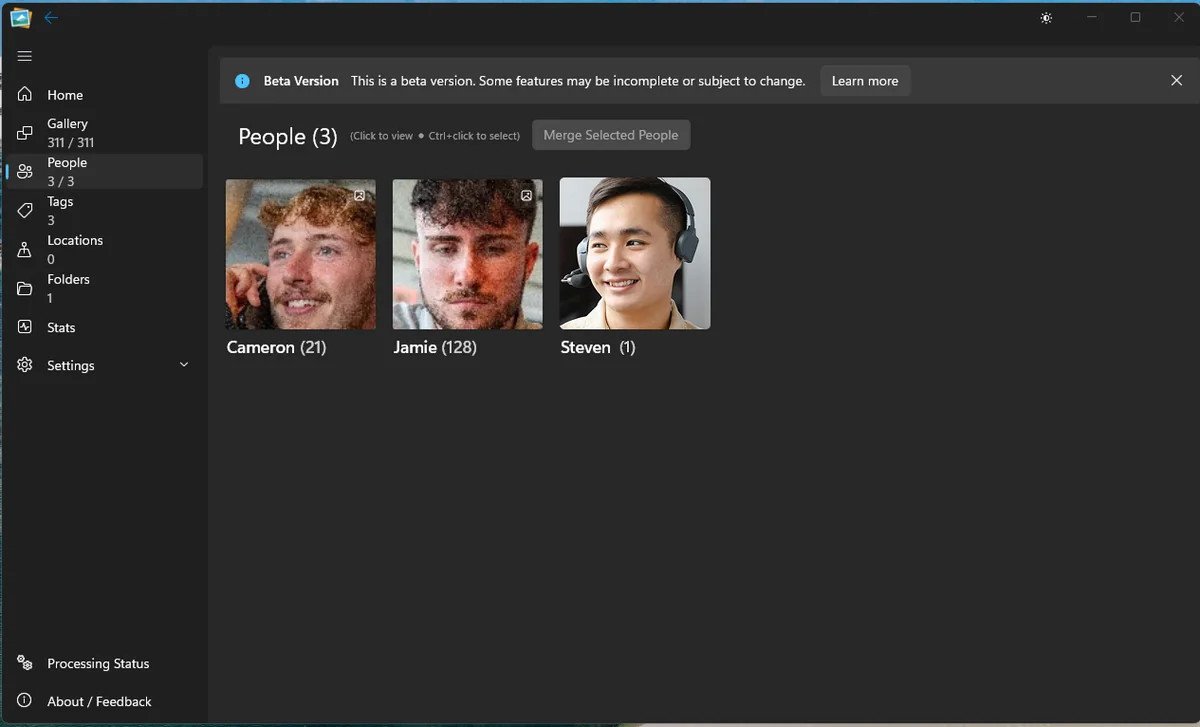
How recognition works
The app finds faces in your photos and proposes people. You confirm the names. The face data and the names remain on your machine; they are never sent away for matching.
Face detection runs on your hardware. It does not need an internet connection and does not call a cloud vision service.
You name a person once. The app then offers that person across the rest of the library, with a count of the photos they appear in.
There is no remote face database and no account to link the library to. The face grouping is part of your local catalogue.
During indexing the worker detects faces and stores the local face records with the image.
Faces are clustered into suggested people. The People page shows named and unnamed groups.
Give a person a name, merge obvious fragments and revisit the suggestions when the library changes.
The honest part
Good questions
No. Face detection and grouping run locally. The photo app contains no network code; only the separate installer handles updates.
Yes. Face detection and grouping do not require an internet connection.
No. The People feature is built around human faces, not pets or general object recognition.
Keep exploring
See it on your own library
Download the free beta, point it at a folder and try this on your own photos. No account, no upload, no card.
Windows 11 · Free 5,000-photo beta · No account needed