
Four styles
Fade, Zoom, Polaroid and Polaroid Table give the same set a different pace and frame.
Four slideshow styles, full-screen viewing and a show that starts from the library you already have. No upload, no channel, no feed.
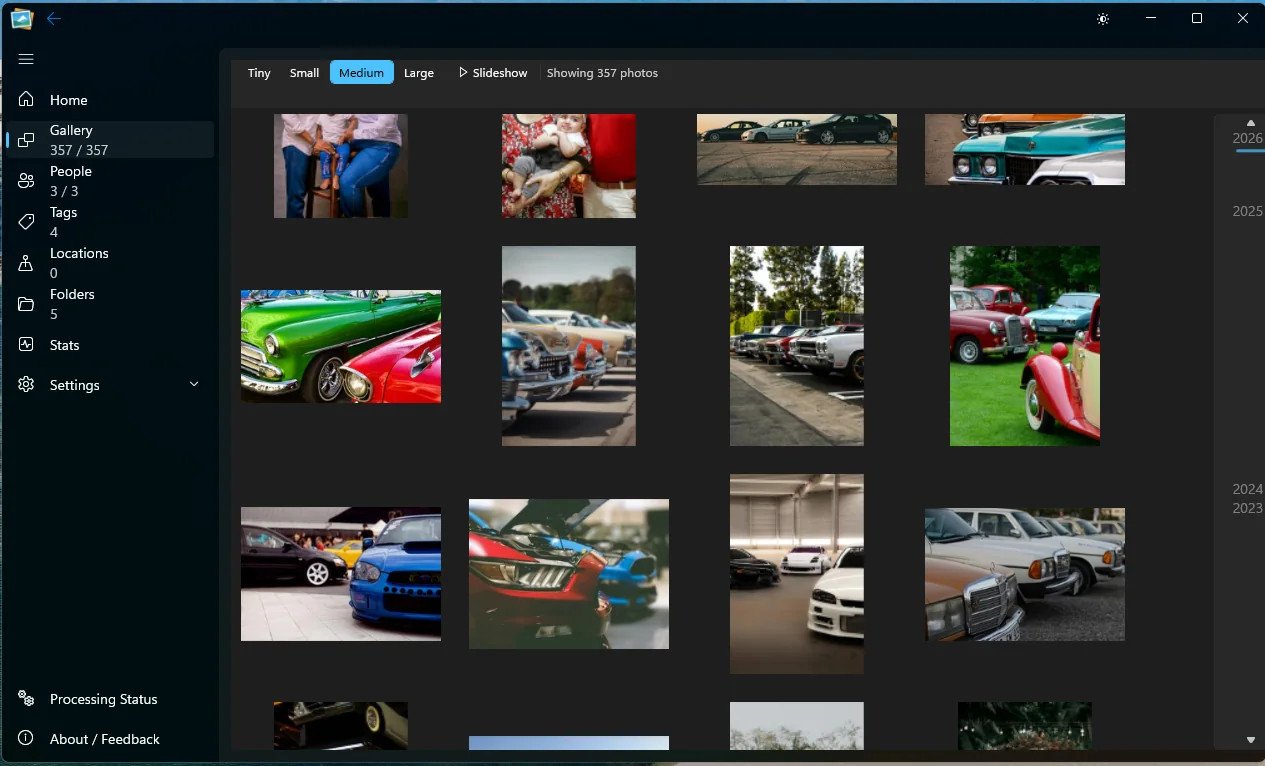
A desktop show
Sometimes the point is not to organise, but to look. The slideshow is a viewing surface for the same local library, with styles that feel like a printed set rather than a social feed.
Fade, Zoom, Polaroid and Polaroid Table give the same set a different pace and frame.
The show uses the whole display, with the photo as the subject rather than the interface.
Keyboard navigation and the familiar gallery selection make the slideshow part of the app, not a separate player.
Start from the gallery, a folder, a person or a filtered view.
Pick a style and go full screen. The slideshow reads the local images.
Use the keyboard to advance, go back or leave the show when you are done.
The honest part
Good questions
Fade, Zoom, Polaroid and Polaroid Table.
No. This is a photo library and the slideshow is designed for images.
Yes. The slideshow reads local images and does not need an internet connection.
Keep exploring
See it on your own library
Download the free beta, point it at a folder and try this on your own photos. No account, no upload, no card.
Windows 11 · Free 5,000-photo beta · No account needed