Why Cloud Photo Storage Costs You More Than You Think
Cloud photo services charge monthly and process your photos on their servers. Here's how local-first photo management gives you ownership back, without the subscription.
6/7/20263 min read
You take a photo. It's yours. You pressed the button, it's your camera, your moment, your memory.
So it's worth asking why managing your own photos increasingly means a monthly bill and a copy of everything sitting on someone else's servers.
Cloud photo services are convenient. But that convenience comes with two costs, one obvious and one less so. Here's how to think about both, and what the alternative looks like.
How the free tier became a subscription
Cloud photo services often launch with generous free storage. Google Photos famously offered unlimited free storage for years. Millions of people uploaded their entire libraries without a second thought.
In 2021, that unlimited tier ended. Storage now counts against a 15GB limit shared across Gmail and Drive. For anyone with a real photo collection, that fills up quickly, and the natural next step is a monthly subscription.
There's nothing sinister about this. It's a business model, and running storage for billions of photos genuinely costs money. But it does mean the "free" photo service you signed up for years ago has quietly become a recurring cost, and moving a large library elsewhere feels like enough hassle that most people just pay.
It's worth occasionally asking whether that's still the deal you want.
The second cost: privacy
The subscription is the visible cost. Privacy is the quieter one.
When your photos live on a cloud server, they're processed and analysed to power features like search and face grouping. For a lot of people that's a fair trade for the convenience. But it does mean your faces, locations, and the details of your life sit on servers you don't control, under terms you didn't write.
That's fine if you've weighed it up and you're happy with it. The problem is most people never got to make that choice deliberately. It just became the default.
What "local-first" actually means
Local-first software does the work on your machine instead of in the cloud. Your photos aren't uploaded. Face recognition, search, and organisation all happen on your own computer, with your own files.
The benefits are straightforward:
No monthly fee. You're not paying to access your own memories.
Privacy by default. Your photos never leave your machine, so there's nothing to scan or share.
Works offline. Your library is available whether you're online or not.
No lock-in. Your files stay as normal files in normal folders. Stop using the software tomorrow and your photos are exactly where they always were.
This is roughly how photo management worked before the cloud era, with all the modern features added back on top.
But isn't the cloud safer?
The strongest argument for cloud storage is backup. If your computer dies, your photos survive. That's real, and worth taking seriously.
But backup and cloud-based management are two separate things. You can keep your photos local and still protect them properly: an external drive kept somewhere safe, or an encrypted backup to storage you control, guards against hardware failure without putting your whole photo history on a server.
You don't have to choose between safety and ownership. You can have both.
Taking back control
Getting off the subscription treadmill is more achievable than it sounds.
Export your photos from whatever service you use. Google Takeout and the iCloud equivalents let you download everything, though large libraries take time.
Get everything onto a drive you own, internal, external, or a NAS.
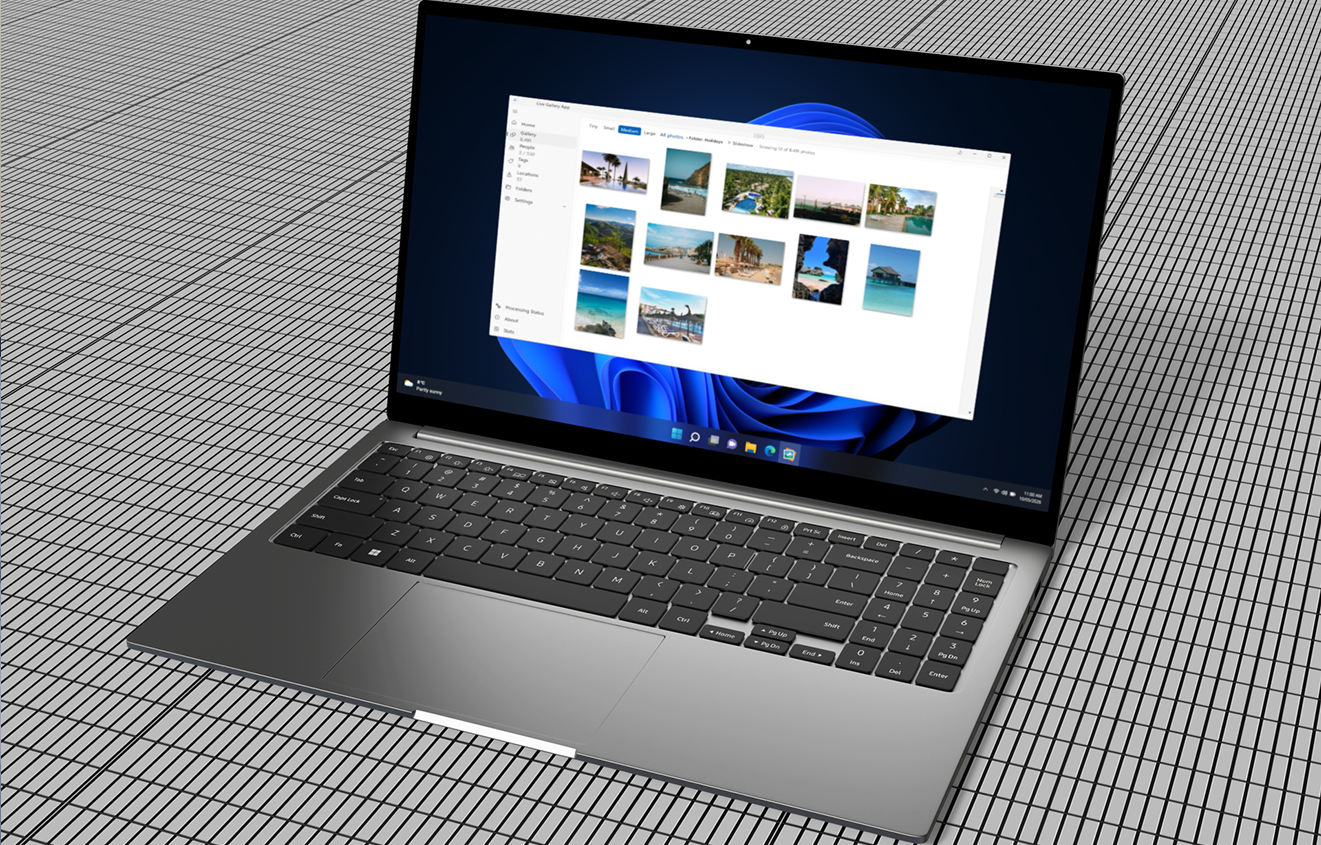
Use a local-first photo manager to organise, search, and browse, with the modern features you're used to, running entirely on your machine.
Set up your own backup so you're protected without depending on a subscription.
That's it. Your photos, on your hardware, under your control.
The tool built for exactly this
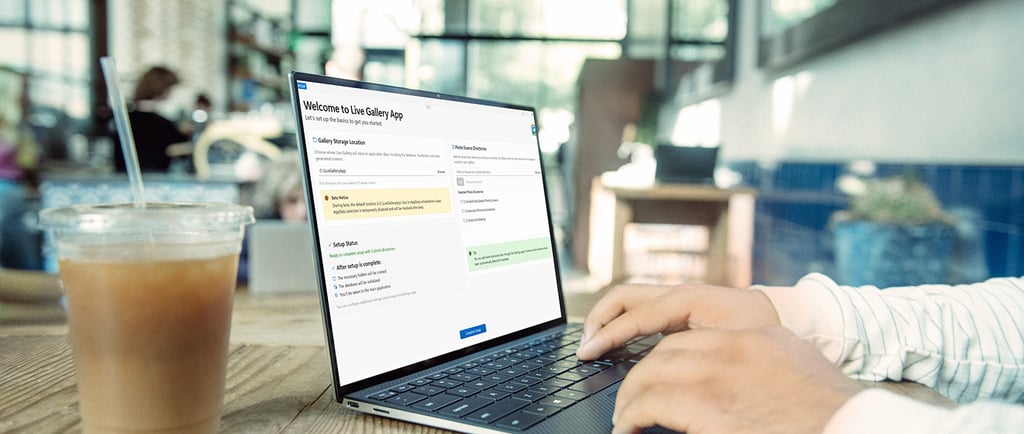
Live Gallery is a local-first photo manager for Windows, built on the principle that your photos should belong to you. Everything runs on your machine. No cloud account, no subscription to get started, no files leaving your drive. Face recognition, instant search, and support for libraries from 100 photos up to over a million.
Free beta opens June 16th.
Organise your photos with
ease and privacy.
© 2026 Live Gallery App. All rights reserved.


Menu
Useful Links